

Jira configuration changes: a history outside the ticket
 Maria Reisinger·2026-10-19·3 min read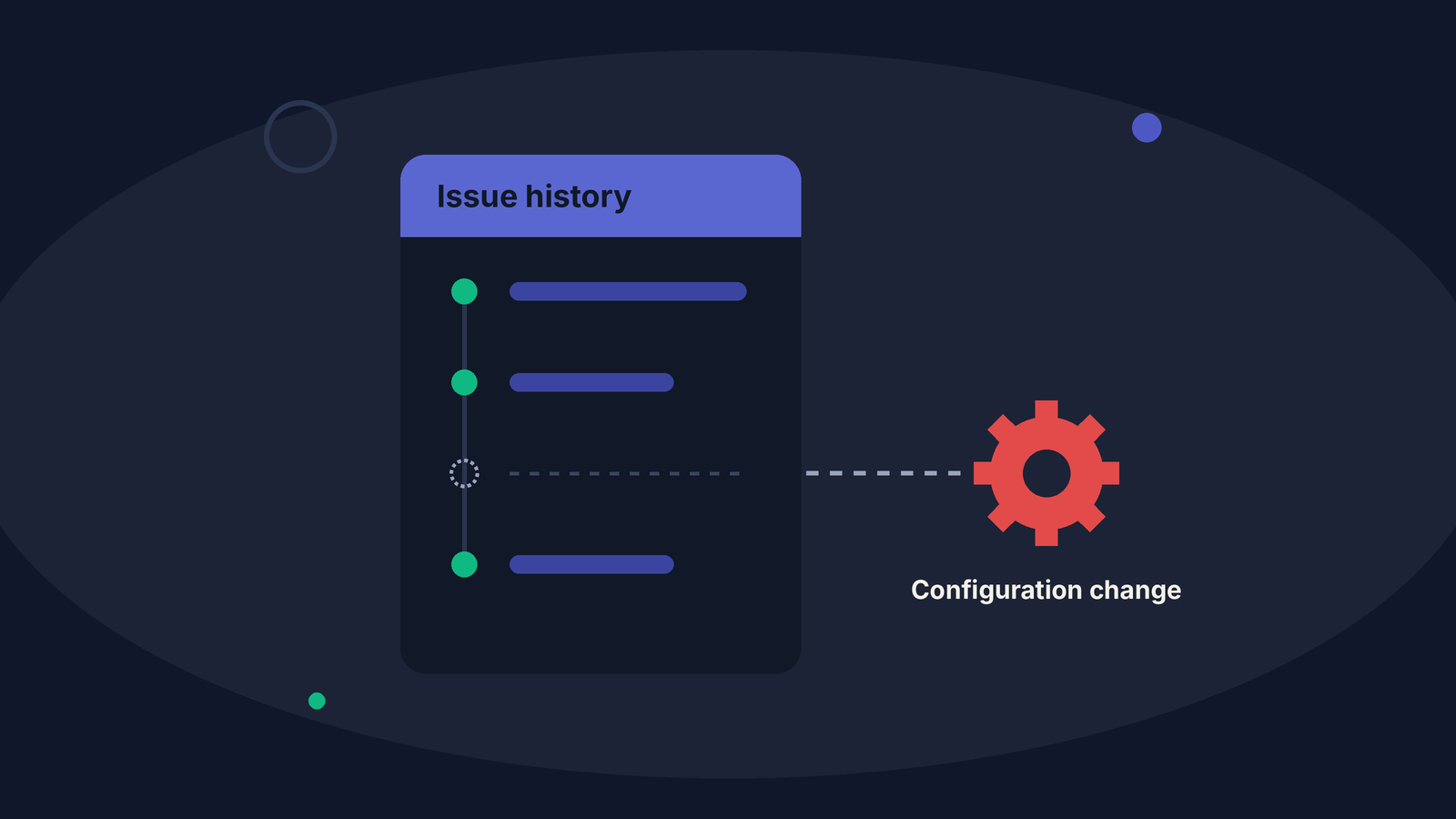
A project behaves differently today than it did three months ago. The issues do not explain why. Their history is clean: statuses moved, people were assigned, work got done. What changed was not the work. Jira configuration changes reshaped the environment the work runs in, and those changes never appear in an issue's history.
Jira keeps two histories: the work and the configuration
Every issue, or work item, records its own history: status moves, field edits, reassignments. That is the history of the work.
There is a second history. Workflows are edited, custom fields are added, schemes are adjusted, people join and leave groups. These configuration changes belong to no single issue, so they never appear in one. That is the history of the rules the work runs under.
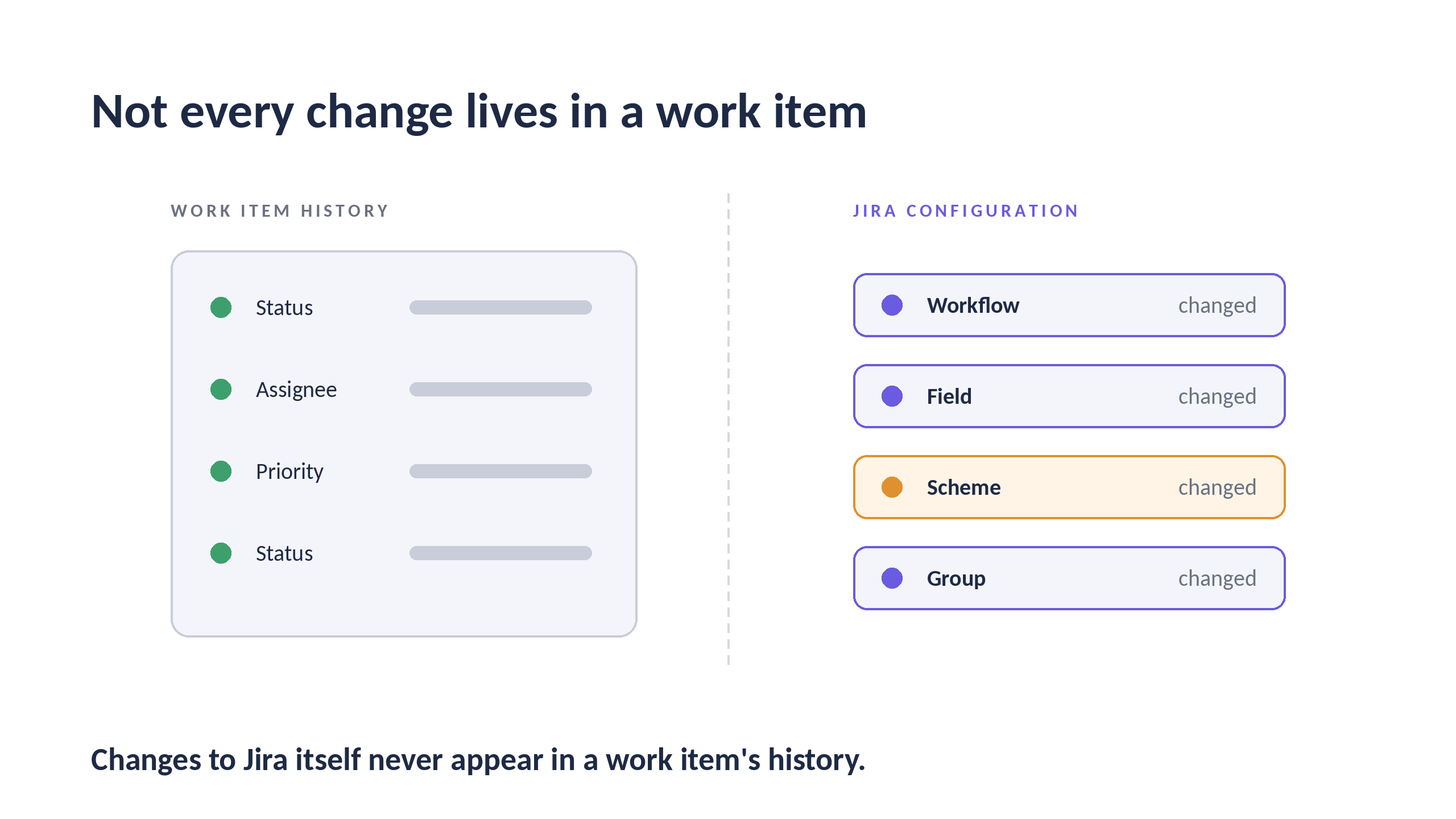
Illustration, not product data.
The Jira audit log records configuration changes
The second history is not missing. Jira Cloud records configuration changes that can affect users and projects in its audit log, which people with the Administer Jira global permission can view.
The gap is not recording. It is reading.
Why a single audit log entry rarely explains a change in behavior
A workflow edit on March 14 is, on its own, just an event. It becomes interesting when something starts to change after it.
Consider an illustrative case. On March 14 a workflow is edited. From March 18 more issues move straight from a not started status into a done one, what we call a bypass: our own measurement, not a finding. On April 2 someone notices.
Each issue in that period looks normal. The audit log entry looks routine. The story only appears when both are read on the same timeline.
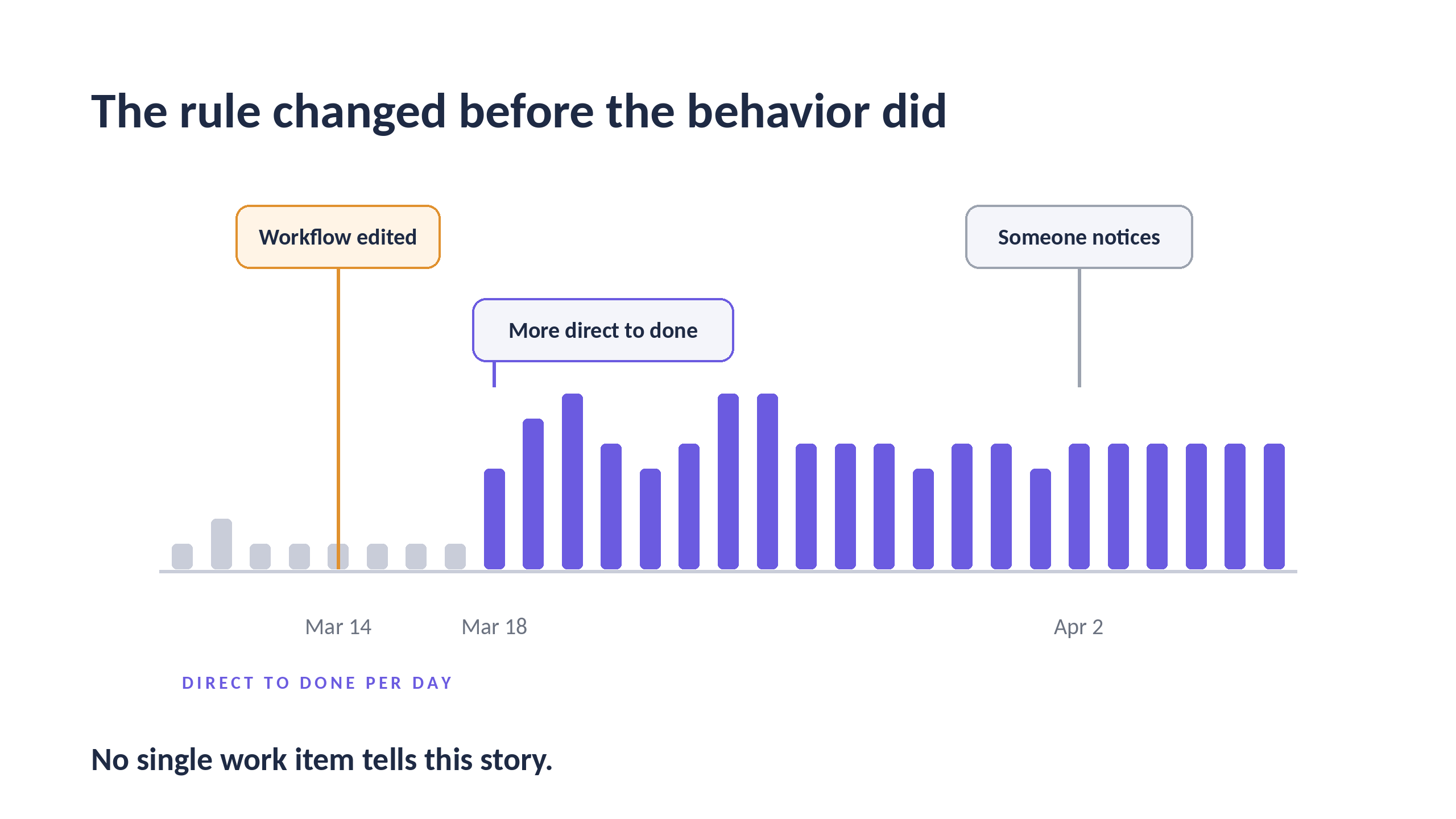
Illustration, not product data.
Track Jira configuration changes on the same timeline as the work
Reviewers who ask about a period are also asking about the rules in force during it. A process that worked one way in January and another way in April raises a question the issues alone cannot answer: when did the rules change?
MetaFrazo records events from your Jira Cloud site continuously and places configuration changes on the same timeline as the work. In Workflow and Configuration Analytics for Jira, the Standard edition includes Configuration Changes Over Time, Configuration Event Type Distribution, the User Account Change Timeline and the Configuration Change Event Audit Log. The Advanced edition adds admin and permission activity, including the User Lifecycle Heatmap, the Schema Change Category Breakdown and the Project Configuration Mutation Log.
One honest limit: recording starts on install day
MetaFrazo cannot reconstruct what happened before it was installed. If the history of your Jira configuration will matter in a future review, the moment to start reading it is before that review is scheduled.
Frequently asked questions
Do Jira configuration changes appear in an issue's history? No. An issue's history shows changes to that issue. Changes to workflows, fields, schemes or groups belong to no single issue.
Where does Jira record configuration changes? In the Jira audit log, which Atlassian describes as a record of configuration changes that can affect users and projects. Viewing it requires the Administer Jira global permission.
Is the audit log available on every plan? Not when every Jira Cloud product on a site is on the Free plan, according to Atlassian.
The events are recorded. The story needs time.
Jira already records it. MetaFrazo makes it readable. See Workflow and Configuration Analytics for Jira on the Atlassian Marketplace.
Sources
- Atlassian Support, Audit activities in Jira, accessed 2026-10-03
Rate this post
Related articles
Atlassian Analytics and Jira Governance: Who Owns the Query?
Every audit asks the same Jira questions, and nobody owns the query. What Atlassian Analytics offers, who it is built for, and where MetaFrazo adds to it.
2026-09-28
5 Questions in the Atlassian Universe with Martin Runge
Martin Runge, Head of Atlassian Practice at XALT, on how long Jira actually remembers who changed what, why backup is more the customer's job than most Cloud teams realize, and what separates a logged change from an authorized one.
2026-09-10
5 Questions with Akash Singh (Uber)
Akash Singh, Atlassian Solution Architect at Uber, on what Jira admins should record before an incident and what to ask any Marketplace app.
2026-10-15